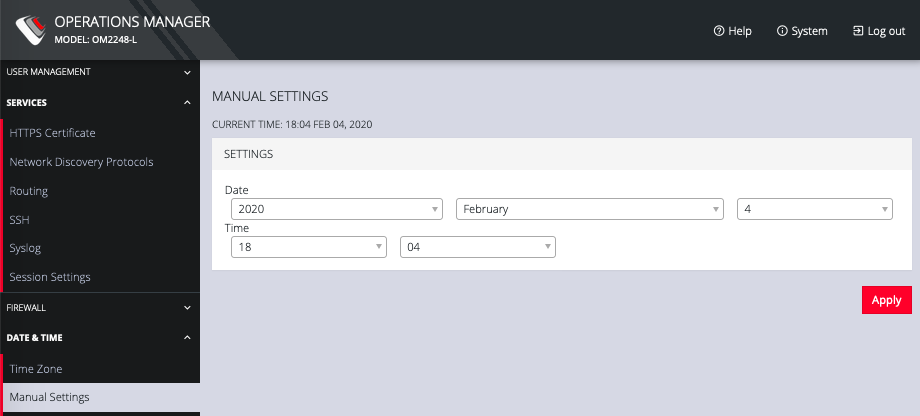
Manual Settings
CONFIGURE > DATE & TIME > Manual Settings
To manually set the correct time and date:
-
Click CONFIGURE > DATE & TIME > Manual Settings.
-
Enter the current Date and Time.
-
Click Apply.